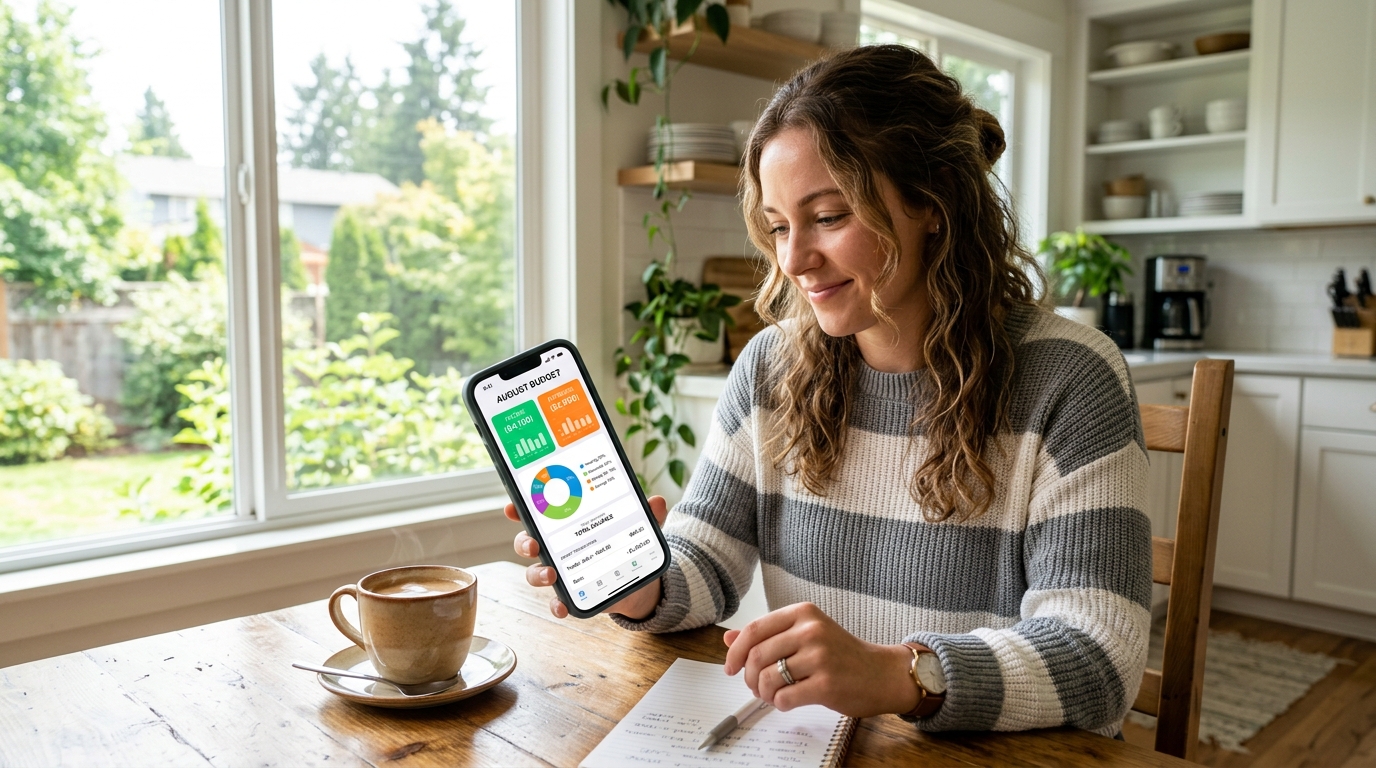
You check your bank balance on a Tuesday and freeze. Where did it all go? Rent, groceries, a couple of “small” food deliveries, and three subscriptions you forgot you were paying for.
That sinking feeling is exactly why so many people are hunting for the best free budgeting apps right now. With prices climbing through 2026, nobody wants to pay $15 a month for software that’s supposed to help them save money.
Here’s the good news: you don’t have to. Some of the most powerful money tools available today cost exactly zero dollars.
I’ve sorted through the noise and tested the ones that genuinely deliver. By the end of this guide, you’ll know which free app fits your life — whether you’re a student, a freelancer with messy income, or a parent juggling a household budget. No fluff, no fake “free” trials in disguise. Just tools that work.

Why Free Budgeting Apps Matter More Than Ever in 2026
Money stress isn’t a rare problem. Surveys keep showing that more than half of Americans feel like they’re living paycheck to paycheck, and a large share admit they don’t follow a consistent budget at all.
When the cost of rent, food, and gas keeps creeping up, a tiny leak in your spending becomes a real wound. That’s the core appeal of free personal finance apps in 2026 — they catch the leaks before they drain you.
A budgeting app’s only real job is to make your money visible, because you can’t fix what you can’t see.
The shift is also cultural. After Mint shut down in 2024, millions of people went looking for a no-cost replacement, and the market responded with smarter, sharper free tools. Why pay for a subscription when a free spending tracker can already show you the whole picture?
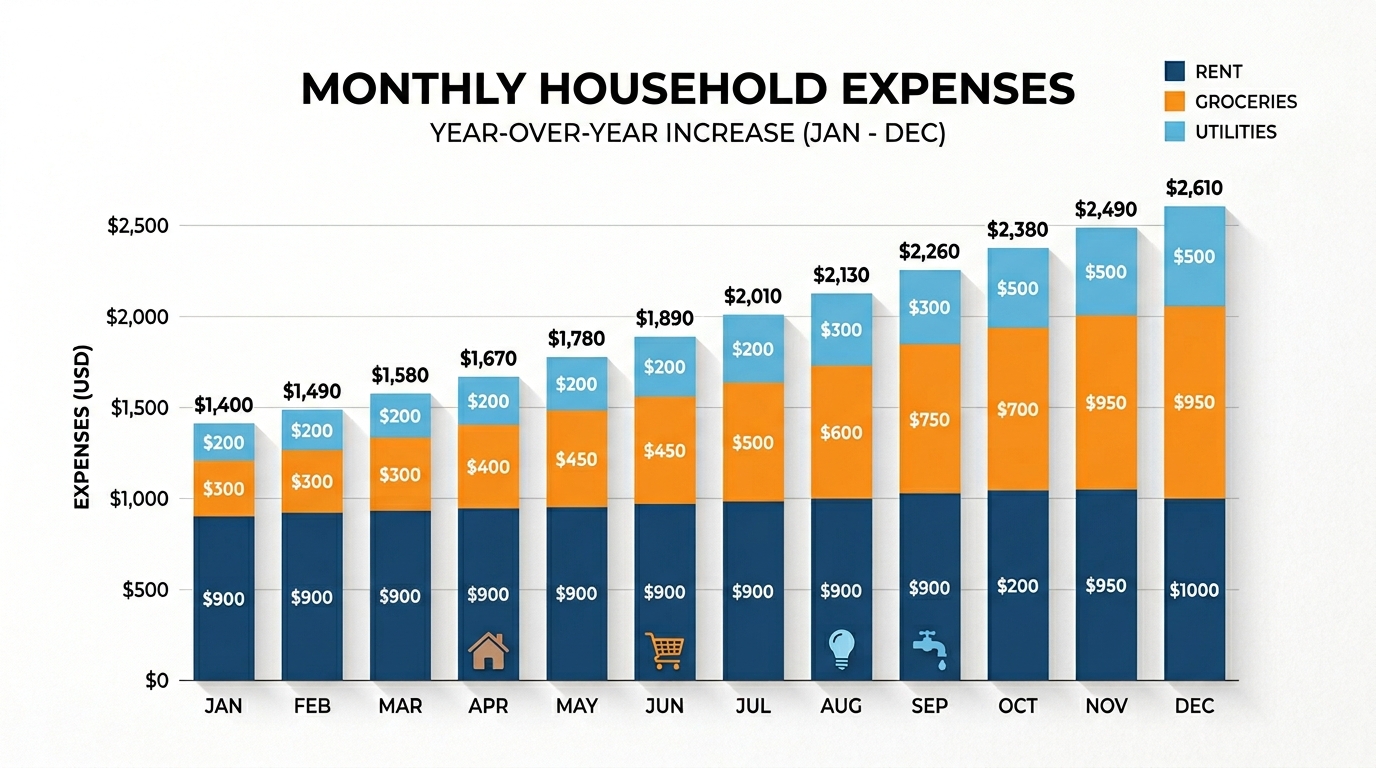
According to data from the U.S. Bureau of Labor Statistics, household spending on essentials has outpaced wage growth in recent years — which means awareness, not willpower, is what most budgets are missing.
What Makes the Best Free Budgeting Apps Actually Work
Not every “free” app deserves the label. Before I ranked anything, I held each one to a simple standard: is the free version actually usable on its own, or is it just bait for an upgrade?
The best free budgeting apps share a few traits. They let you see spending by category, they don’t lock the basics behind a paywall, and they’re simple enough that you’ll still open them next month.
Here’s what separates the keepers from the clutter:
- Real free tier — permanent, not a 14-day trial that quietly expires
- Clear categories — you can see where money goes at a glance
- Low friction — either automatic bank syncing or fast manual entry
- Honest limits — the free plan is genuinely functional, not crippled
A quick reality check: a free app that you actually open every week beats a $100-a-year app you abandon in February. Fit matters more than features.
The 7 Best Free Budgeting Apps for 2026 (Tested)
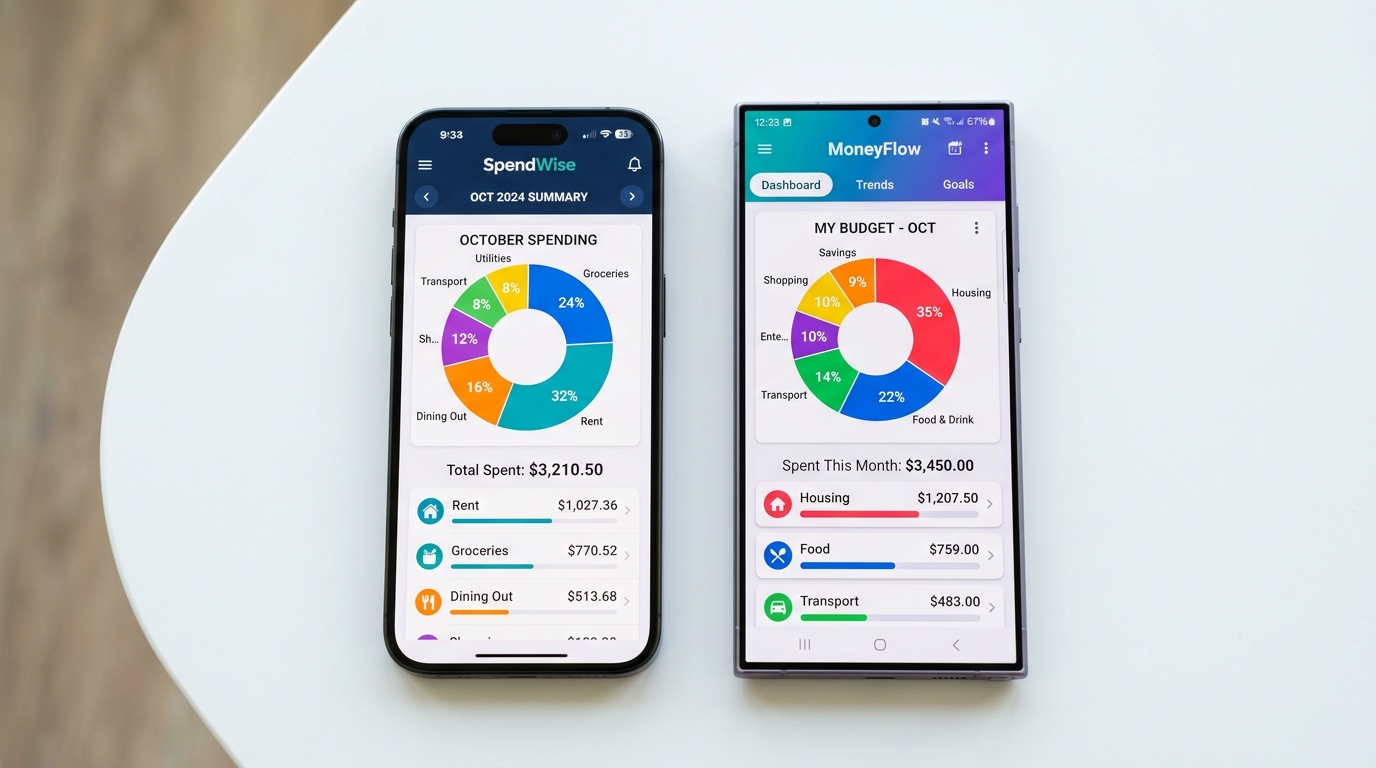
Here are the seven free budget apps in the USA that earned their spot this year. Each one wins for a different type of person, so read the “best for” line before you download.
1. Rocket Money — Best Overall Free Pick
Rocket Money (formerly Truebill) gives you the most at $0. The free tier covers basic budgeting, spending categorization, net income tracking, and — the standout — automatic subscription detection.
That last feature is quietly powerful. It surfaces the forgotten streaming service and the “free trial” that started charging you three months ago.
Best for: anyone bleeding money through subscriptions they forgot about. Premium runs roughly $7–$14 a month if you later want bill negotiation and automatic cancellation.
2. EveryDollar — Best for Zero-Based Budgeting
EveryDollar is built on one rule: every dollar gets a job before the month starts. The free version is fully usable if you don’t mind entering transactions by hand.
That manual step sounds annoying, but it’s the secret. Typing in each purchase forces you to feel every dollar leave your account.
Best for: disciplined planners and Dave Ramsey fans. A paid tier adds automatic bank syncing, but the core zero-based budgeting plan is free forever.
3. Empower — Best Free Tool for Investors
Empower is completely free and leans toward the bigger picture. It syncs your accounts, tracks spending, and watches your net worth and retirement progress in one dashboard.
The trade-off? Its day-to-day budgeting tools are lighter than dedicated budget apps.
Best for: people who want to see spending and investments together without paying a cent.
4. Goodbudget — Best for Couples and Privacy
Goodbudget is the digital version of the old cash-envelope system. You assign money to virtual envelopes — groceries, gas, dining — and stop spending when an envelope is empty.
The free tier gives you around 10 envelopes and syncs across two devices, so a couple can share one budget in real time. It doesn’t link to your bank, which is a feature if you value privacy.
Best for: couples and anyone who distrusts bank-linking. This envelope budgeting approach is the same principle behind the physical cash method — just digital. Premium is about $10 a month for unlimited envelopes.
5. PocketGuard — Best for “Can I Afford This?”
PocketGuard answers one question better than anyone: how much can I safely spend today? Its “In My Pocket” number subtracts bills and savings goals, then shows you what’s truly free to spend.
Be honest about the free tier, though — it caps you at two accounts and two categories. That’s enough to test it, but a typical checking-plus-credit-card-plus-savings setup hits the wall fast.
Best for: impulse spenders who need a single guardrail number. Plus is about $12.99 a month or $74.99 a year.
6. Cleo — Best for Variable Income (and a Laugh)
Cleo is an AI money assistant with personality. Ask it to “roast” you and it’ll drag your past spending; switch to “hype mode” and it cheers your wins.
Under the jokes is a real engine that builds a budget and adjusts it as your income changes — ideal when no two paychecks look the same.
Best for: freelancers, gig workers, and anyone who finds plain spreadsheets boring. Core budgeting is free; paid tiers add advances and credit-building.
7. NerdWallet — Best All-in-One Free Tracker
NerdWallet’s free tool connects your accounts, auto-categorizes transactions, and serves up a monthly cash-flow summary alongside your free credit score.
It’s a clean, no-pressure way to see your full financial picture without ever hitting a paywall.
Best for: beginners who want spending tracking and credit monitoring in one free spending tracker.
Related: How the 50/30/20 Rule Works: Real Budget Examples for 2026
How to Pick the Right Free Budget App for You
Seven options can feel like too many. So let’s narrow it down with a quick, honest gut-check. Which one fits your brain?
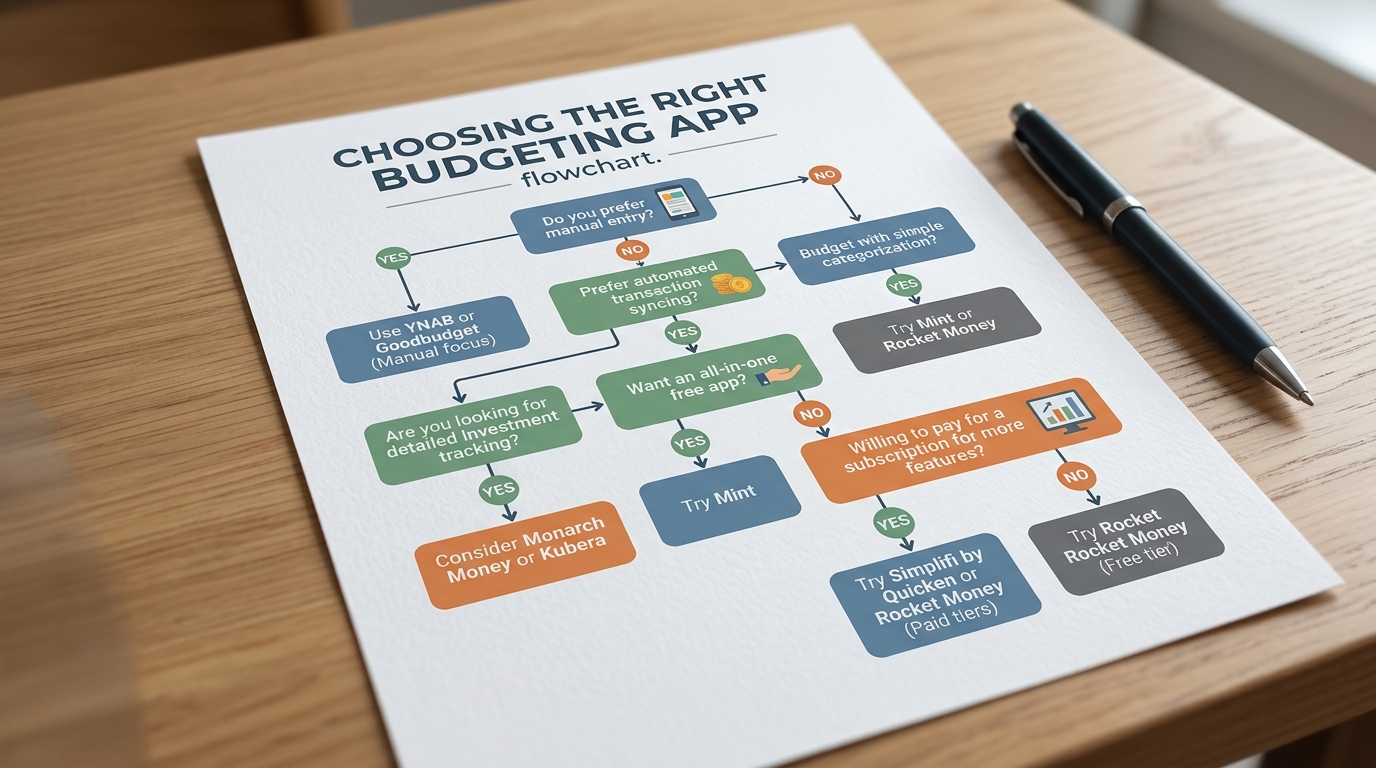
- Decide how hands-on you want to be. If typing in purchases sounds fine, go manual with EveryDollar or Goodbudget. If you’d rather link accounts and let the app work, pick Rocket Money, Empower, or NerdWallet.
- Name your biggest money leak. Picture last month. Was it forgotten subscriptions? Choose Rocket Money. Impulse buys? PocketGuard’s safe-to-spend number is your friend.
- Match your income style. Steady paycheck? Almost any app works. Income that swings month to month — like a freelancer who clears $2,000 one month and $4,500 the next? Cleo adapts better than the rigid ones.
- Test-drive two for two weeks. Don’t overthink it. Install your top two, use them for a pay cycle, and keep whichever one you actually opened.
The right free budgeting app is the one you’ll still be using in three months — not the one with the longest feature list.
Mistakes to Avoid With Free Money Tracking Apps
Even the best app can’t save a budget you’re using wrong. These are the slip-ups I see most often.
Mistake 1: Downloading five apps at once. It feels productive, but you’ll check none of them. Pick one, commit for a month, then reassess.
Mistake 2: Ignoring the categories. An app that tracks spending but never gets reviewed is just a fancy receipt drawer. Spend five minutes every Sunday looking at where your money actually went.
Mistake 3: Confusing “free trial” with “free.” YNAB and Monarch Money are excellent, but they’re paid tools with trials — not free apps. Know the difference before your card gets charged.
Mistake 4: Quitting after one ugly month. Your first budget will be wrong. That’s normal. The point isn’t a perfect number; it’s the awareness that builds over time.
Avoid these four traps and almost any of the top budgeting apps at no cost will start paying off within a single pay cycle.
Final Thoughts
Remember that Tuesday-afternoon panic over your bank balance? The truth is, that feeling almost never comes from spending too much on one big thing. It comes from not seeing the small things add up.
That’s the entire reason these tools exist. The best free budgeting apps don’t restrict you — they just turn the lights on so you can make calmer, clearer choices with your own money.
You don’t need a perfect plan or an expensive subscription to start. You need one app, an honest look at last month, and the willingness to check in once a week.
So pick one from the list above and set it up today — it takes about ten minutes. Future-you, scrolling through a budget that finally makes sense, will be glad you did.
Related: How to Start a Budget With No Money: Step-by-Step for 2026
Frequently Asked Questions
Q: What are the best free budgeting apps in the US for 2026?
Strong free picks for 2026 include Rocket Money, EveryDollar, Empower, Goodbudget, PocketGuard, Cleo, and NerdWallet. Each has a permanent free tier, so you can budget without paying a subscription. The best one depends on whether you prefer automatic bank syncing or manual entry.
Q: Are free budgeting apps actually safe to use?
Reputable apps use bank-level encryption, multi-factor login, and biometric locks to protect your data. If you’d rather not link your bank at all, manual apps like Goodbudget keep you fully in control of your information. Always check an app’s privacy policy before connecting accounts.
Q: Is a free budget app good enough, or do I need to pay?
For most people, a free tier is more than enough to track spending, set goals, and catch wasteful charges. Consider paying only after you’ve used a free version and hit a clear limit, like needing automatic syncing or advanced reports. Start free — you can always upgrade later.